Setup Guide

Creating your offline Bitcoin key in 5 steps

Quick Start Summary

  1. Assemble - Randomly insert bits to create unique binary sequence
  2. Convert - Read bits offline to derive BIP-39 seed phrase
  3. Backup - Create multiple secure copies before proceeding
  4. Protect - Store in steel case, add passphrase for max security
  5. Use - Generate addresses using offline signing software
⚠️

Critical: Once assembled, keep your key offline. Never share photos or configuration details.

1 Assemble
2 Convert
3 Backup
4 Protect
5 Use
Step 1

Make Your Key

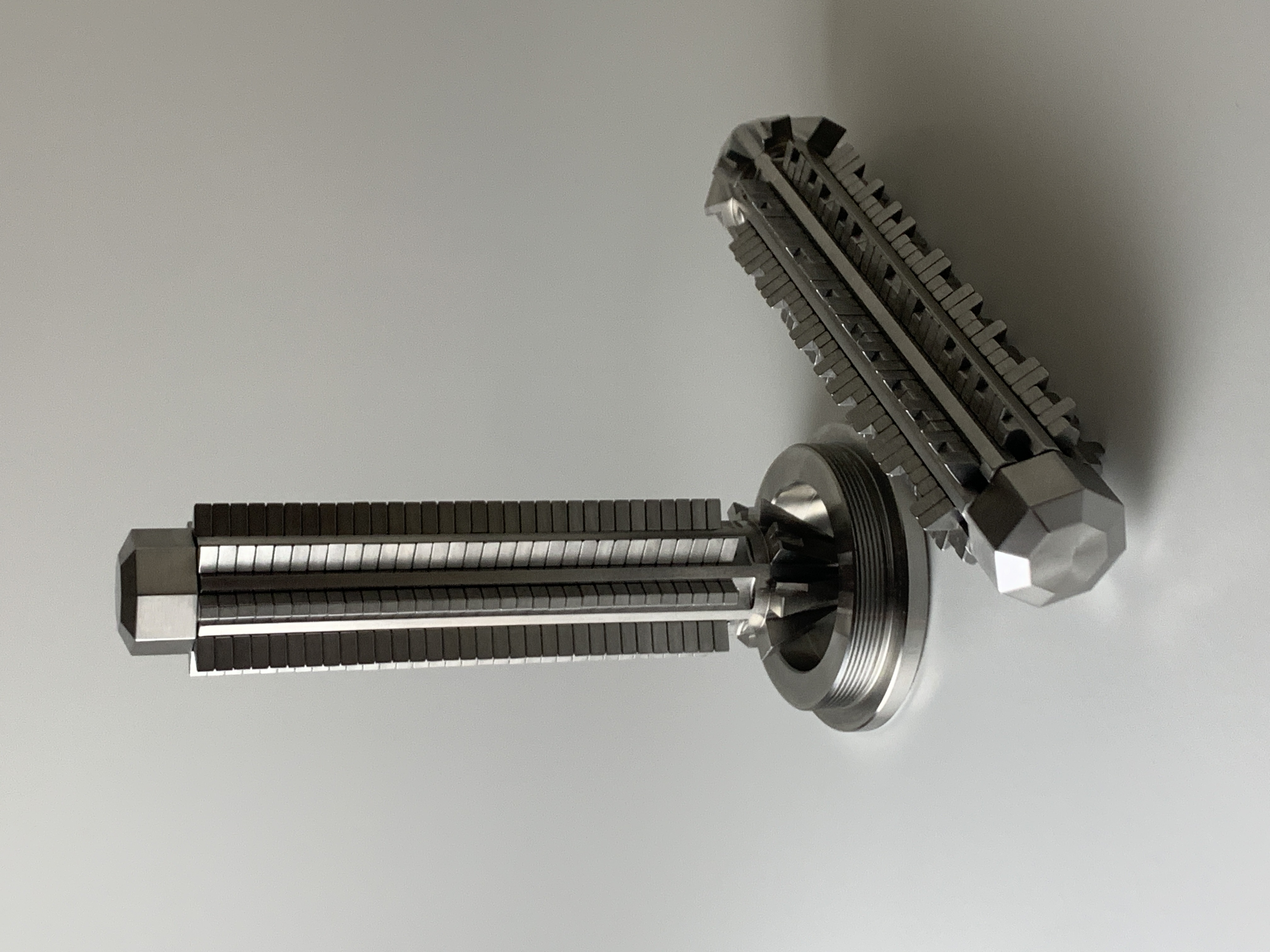
Randomly insert the physical bits into your key's eight slots. Each bit can be read as either 0 or 1 depending on its orientation, creating a binary number that becomes the foundation of your Bitcoin private key.

Understanding Your Key

Your key has eight numbered faces (0-7), each containing:

  • 256-bit key: 32 bit positions per face
  • 128-bit MINI key: 16 bit positions per face

Choose Your Reading Order

Before inserting bits, decide your reading order—this determines your unique private key.

💡
Recommended:

Start at face 7 (top or bottom) as your most significant digit, and end at face 0 (opposite end) as your least significant digit.

⚠️

Important: Write down your chosen reading order and store it securely—you'll need it to access your Bitcoin.


Assembling the physical key
Step 2

Convert to Seed Phrase

Using pen and paper (remain offline), read your key to generate your seed phrase.

1

Starting at your most significant digit position, read 11 consecutive bits from your key

2

(Optional) Convert these 11 bits to a decimal number (0-2047)

3

Find the corresponding word in the BIP-39 wordlist

4

Repeat for a total of 11 words (128-bit) or 23 words (256-bit)

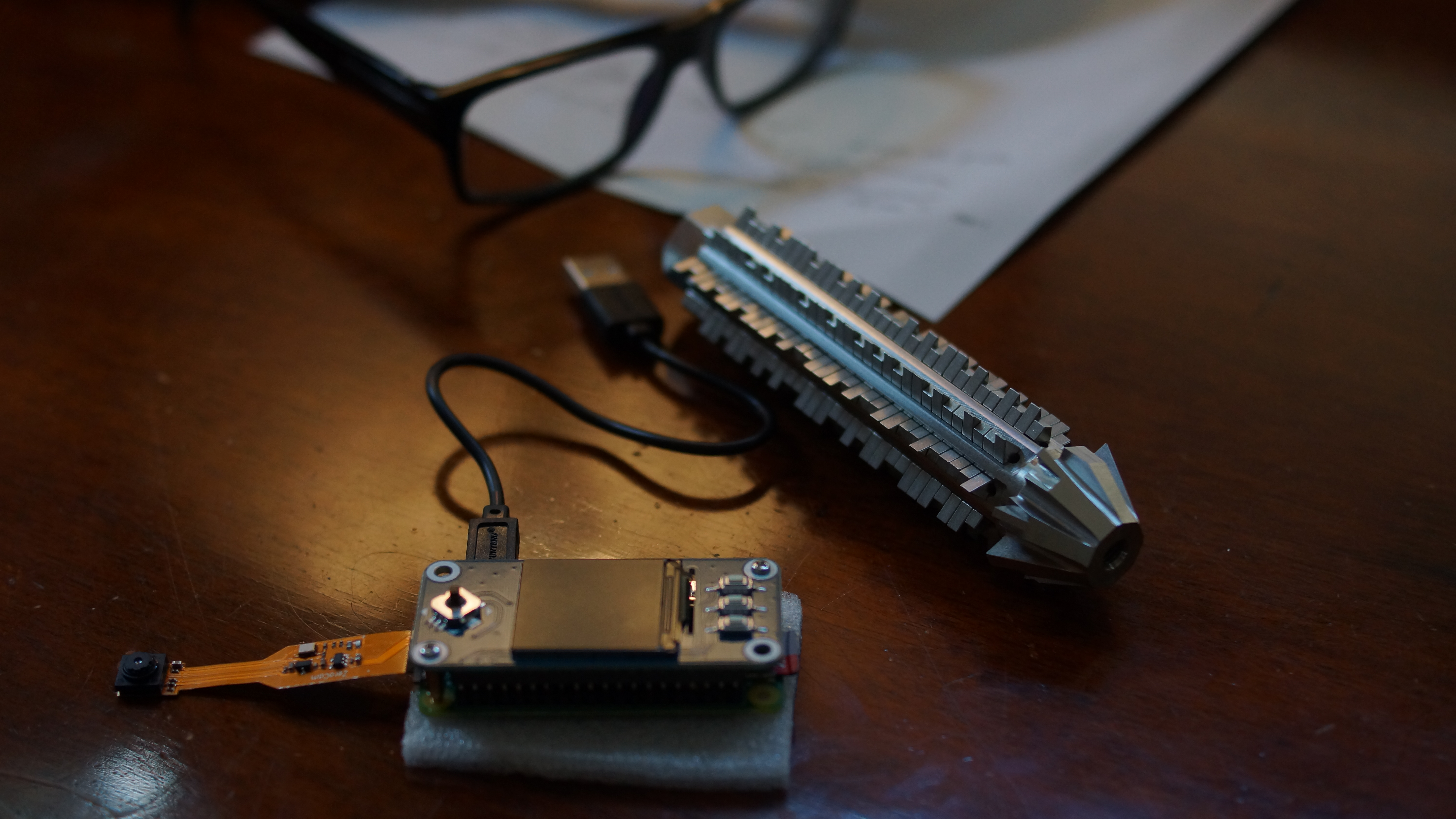
You'll have 7 bits (128-bit) or 3 bits (256-bit) remaining. The final word contains these remaining bits plus a checksum. Use offline tech such as SeedSigner or an offline calculator to determine your complete seed phrase with the final checksum word.

Resources

Converting to seed phrase
Step 3

Backup Your Key

Your key is your only access to your Bitcoin. Create backups before proceeding.

Physical Key Backups

Purchase additional modulo keys and assemble them identically, or document the bit positions securely.

Seed Phrase Backups

Write your seed phrase on durable material (metal plates, waterproof paper) and store in geographically separate secure locations.

Distributed Security

Consider using multi-signature setups or splitting backup information among trusted parties to prevent single points of failure.

⚠️

Critical: Store all backups with the same security as your primary key.

Backing up your key
Step 4

Protect Your Key

Physical Protection

  • Store your modulo key in the included stainless steel protective case
  • Keep in a fire-resistant safe, preferably bolted down
  • Store backups in separate geographic locations
  • Never photograph or discuss your key publicly

Add a Passphrase

Adding a BIP-39 passphrase (also called "25th word" or "salt") provides crucial additional security. Even if someone obtains your physical key or seed phrase, they cannot access your Bitcoin without your passphrase.

⚠️

Important: Your passphrase must be memorized or stored separately from your key. There is no recovery if you forget it.

Operational Security

  • Maintain privacy about your Bitcoin holdings
  • Document key details using coded language only you understand
  • Consider a decoy strategy for home security
Protecting your key
Step 5

Use Your Key

Use your seed phrase with offline signing software to:

  • Generate Bitcoin receiving addresses
  • Sign transactions without exposing your key to the internet
  • Maintain complete privacy and security

Click the "Usage" button below for additional instructions on working with offline signers and learn how addresses are generated based on the key and derivation.

Advanced Usage Guide
Using your key

Ready to Get Started?

Visit our store to purchase your modulo physical Bitcoin key

Visit Store